
White Papers / White Paper
Modernizing SyteLine reports without losing the business logic
A practical guide to replacing spreadsheet-heavy reporting with supportable SyteLine report logic, dashboards, and decision views.
The business problem
Many ERP reports start as a spreadsheet rescue mission. Users export shipments, orders, customers, materials, labor, vouchers, or shortage data, then apply pivot tables, VLOOKUPs, formulas, and manual cleanup. The spreadsheet may answer the question, but the logic is hard to support and easy to change by accident.
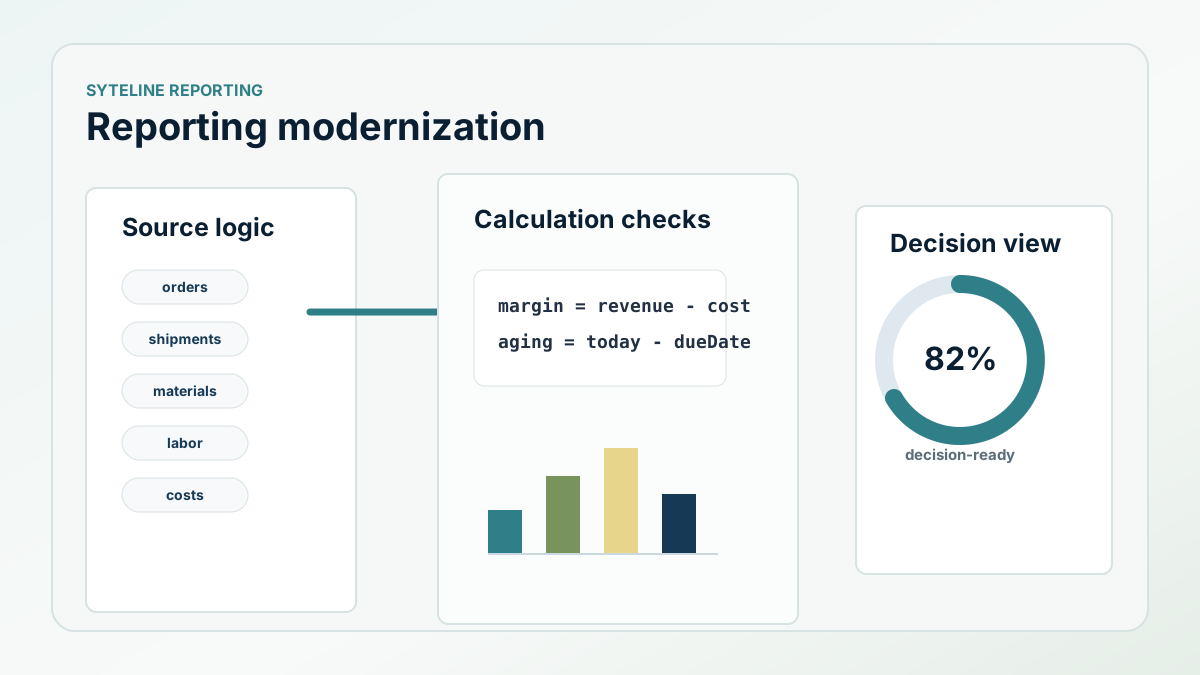
Modernizing a report does not mean hiding the logic inside a prettier chart. It means moving the business rules into a supportable place and giving users a decision view they can trust.
How we solved it
A job-costing report project shows the pattern. The original process depended on exports and spreadsheet formulas to combine shipped revenue, customer order details, customer names, product type, contract value, material categories, labor hours, labor rates, total cost, gross margin, commissions, and adjusted margin. The report procedure rebuilt that logic in SQL with staged temp tables, date and order filters, source joins, and calculated output fields.
A shortage report used a different but related pattern. It read APS planning records, demand records, item data, job material, supply, due dates, projected dates, lateness, and operation context. Instead of showing only a generic shortage, it connected the shortage to the order, material, operation, lateness, and alternate supply context users needed for follow-up.
What the implementation looked like
The reporting work started by identifying the business decision. For job costing, the decision was margin and cost visibility by order and product type. For shortages, the decision was what material issue would delay demand and where users could look for an alternate supply path. Once the decision was clear, the implementation moved the logic into stored procedures and report definitions rather than relying on a chain of spreadsheet tabs.
The same approach applies to DataViews, dashboards, Power BI, and CloudConnect feeds. First define the trusted source records and calculations. Then decide the right surface for the user. Finally, document the logic so support can explain the number when someone asks why it changed.
- Replace manual spreadsheet joins with repeatable report logic.
- Use staged temp tables when the report needs multiple calculation passes.
- Preserve the business rule, not just the original report layout.
- Separate exception reports from executive KPI dashboards.
- Document filters, calculations, and ownership.
The ROI to measure
Measure fewer manual report preparation steps, fewer conflicting spreadsheets, faster answers to recurring leadership questions, and lower support effort when a report number is challenged. A modern report should make the decision easier and the logic easier to defend.
Next step
Do your ERP reports still support the way the business runs?
Business Intuition can review the highest-value reports and define a modernization path tied to real decisions.